
Skip to content

Pickup guaranteed after 5 PM ET for orders placed by 4 PM

Order by 4 PM ET for Same-Day Production & Shipping

Free Standard Shipping $100+ · Free 2-Day Shipping $200+

Cart

Custom heat transfers made in Fort Myers

Custom DTF Transfers for Apparel

Order vibrant, ready-to-press direct-to-film transfers for cotton, polyester, blends, and light or dark garments. Choose a gang-sheet builder, upload a finished sheet, or order individual pre-cut designs—then press when your order arrives.

Colorful custom DTF transfers for apparel
Same-day productionOrder by 4 PM ET for same-day production and shipping.
Local pickupOn-time pickup guaranteed after 5 PM ET.
Free standard shippingIncluded on orders over $100.
Free two-day shippingIncluded at $200 or more.

Choose your ordering path

Three ways to order the same professional DTF quality

Your best option depends on whether you want to arrange artwork yourself, already have a complete sheet, or prefer individual transfers. Product cards use live Shopify prices and availability, so the value shown here always matches the store.

Build Your Own DTF Gang Sheet
Most flexible

Build Your Gang Sheet

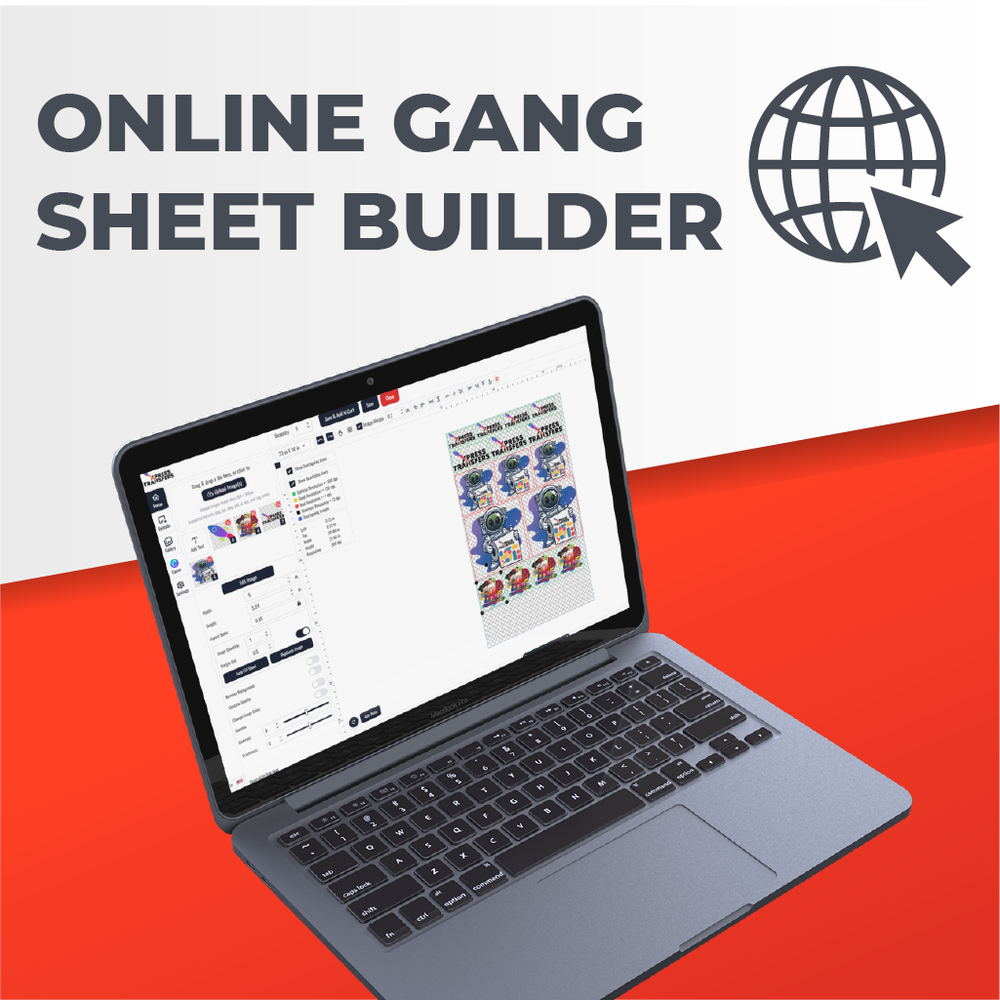
Upload multiple designs, size them, duplicate them, and arrange the layout in the online builder. Fill the available space to lower your effective cost per image.

Best for: mixed designs, small brands, teams, and maximizing sheet value
From $10.00Start the builderAvailable to order
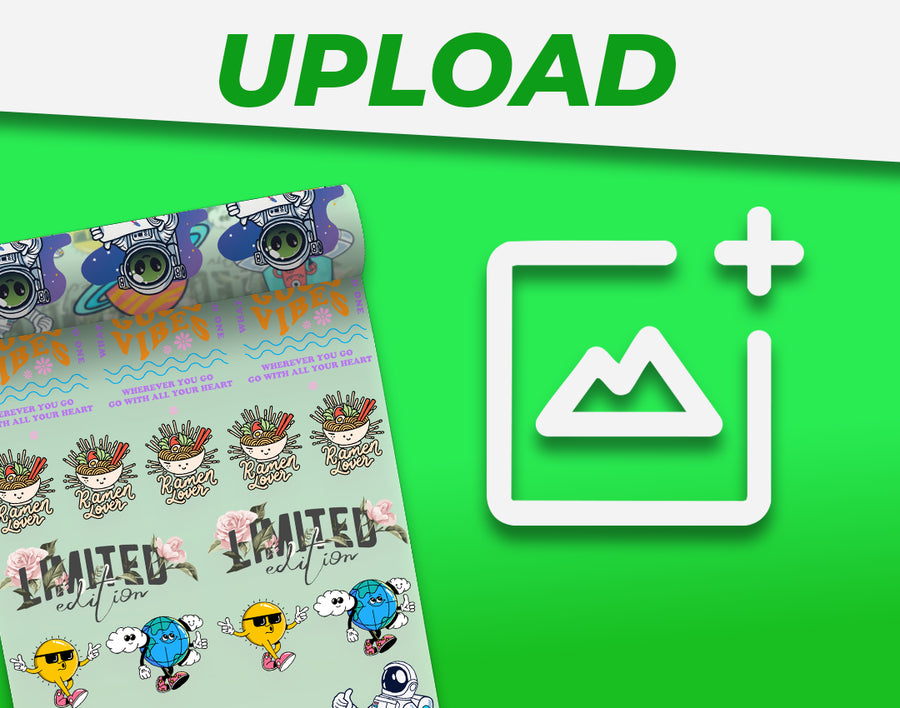
Upload a Finished Gang Sheet
Fastest setup

Upload a Finished Gang Sheet

Already have a print-ready sheet at the exact ordered dimensions? Upload it as one complete file and send it directly into production.

Best for: designers and established workflows with finished layouts

From $10.00Upload your sheetAvailable to order
Order Pre-Cut Transfers
Ready to press

Order Pre-Cut Transfers

Order individual designs supplied separately so your team can move directly from the package to garment placement without trimming a gang sheet.

Best for: repeat logos, production teams, and the simplest press workflow

From $40.00Shop pre-cut DTFAvailable to order

DTF fundamentals

What are DTF transfers?

DTF transfers are custom printed graphics designed to be applied to apparel with a heat press. They combine broad fabric compatibility with an opaque, full-color print, making them a versatile alternative to cut vinyl or screen printing for many orders.

Unlike sublimation, DTF does not rely on dyeing white polyester fibers. The printed layer sits on the garment surface, so white ink and bright colors remain visible on black, navy, red, and other dark blanks. Unlike traditional screen printing, there is no separate screen for every color. That makes mixed graphics and lower quantities easier to plan.

The strongest results start with clean artwork, a suitable garment, and a press that provides even heat and firm, repeatable pressure. A household iron cannot deliver the same controlled conditions. Follow the instructions supplied with the product rather than relying on a single universal recipe, because garment composition and press calibration affect the result.

What DTF is

Direct-to-film printing places full-color artwork and an opaque white underbase onto a carrier film. During pressing, heat and pressure bond the adhesive-backed print to the garment. The result can reproduce gradients, fine detail, and many colors without separate screens.

Who it fits best

DTF is a practical choice for clothing brands, schools, teams, contractors, event vendors, personalization shops, and anyone producing short or mixed runs. It works especially well when artwork changes often or includes many colors.

Know the limitations

A transfer cannot fix low-resolution artwork, and very large solid ink areas can feel heavier than an intentionally open design. Seams, zippers, waterproof treatments, and heat-sensitive fabrics require testing or a different application setup.

Fabric compatibility

What can you put DTF transfers on?

DTF works on more apparel types and colors than sublimation, but “works on” is not the same as “works identically.” Fabric finish, dye stability, stretch, seams, and heat tolerance still matter.

For unfamiliar garments, test one blank before committing an entire run. Check the transfer immediately, then stretch and wash the sample according to the garment label. This small production test helps reveal dye migration, scorching, press marks, or adhesion issues before they affect a customer order.

Fabric or itemFitWhat to know
Cotton T-shirts and fleeceRecommendedA common DTF use; pre-press to remove moisture and wrinkles.
Polyester performance apparelRecommended with testingUse the current low-temperature guidance and test for dye migration.
Cotton/poly and tri-blendsRecommendedConfirm the garment tolerates the specified press conditions.
Canvas totes and apronsRecommendedSupport seams and pockets so the print area receives even pressure.
Nylon or coated outerwearTest firstCoatings and heat sensitivity vary widely; adhesion may require a specialty product.
Waterproof, silicone, or heavily textured fabricNot recommended without testingSurface treatments and texture can prevent consistent bonding.

Size and sheet planning

Choose a placement size before you build

Common size ranges are useful starting points, not universal rules. The right width depends on the garment size, design proportions, desired visual impact, and available press area.

Keep artwork in proportion when resizing; changing width without height can distort logos and type. For a mixed adult and youth run, consider separate sizes rather than forcing one oversized graphic onto a small shirt. When ordering a gang sheet, compare the cost of another sheet with the time required to trim and sort densely nested designs.

Measure the blank

Lay the garment flat and measure the actual printable area between seams, collars, pockets, and zippers. Use the smallest garment in a size run to confirm one design size will fit the entire order.

Plan gang sheets by quantity

List every required design size and quantity before building. Group identical widths, rotate artwork only when the builder allows it, and leave the required spacing so cuts are simple and no designs overlap.

Balance detail and feel

Open space in the artwork lets the garment show through and often creates a lighter feel. A large solid rectangle uses more ink and can feel heavier, while properly prepared halftones can create tonal detail with less coverage.

A quick visual break

What will your DTF order look like?

New to transfers? These examples make the ordering formats easier to understand. Every panel can be replaced with an approved image or Shopify-hosted video in the theme editor.

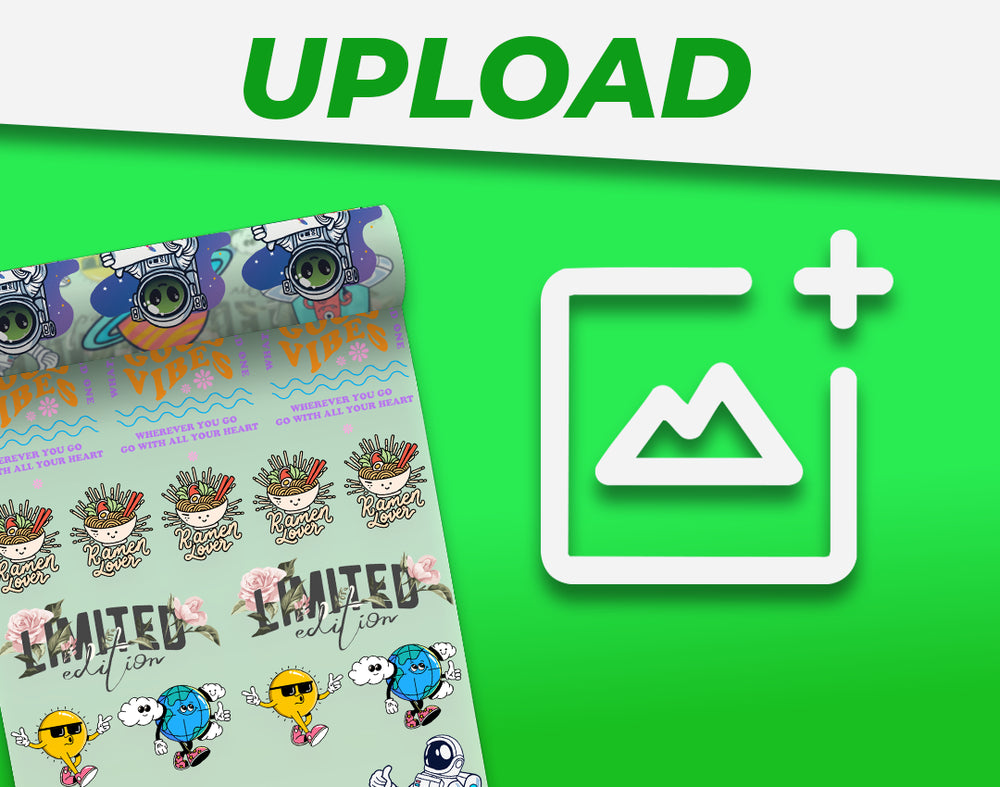
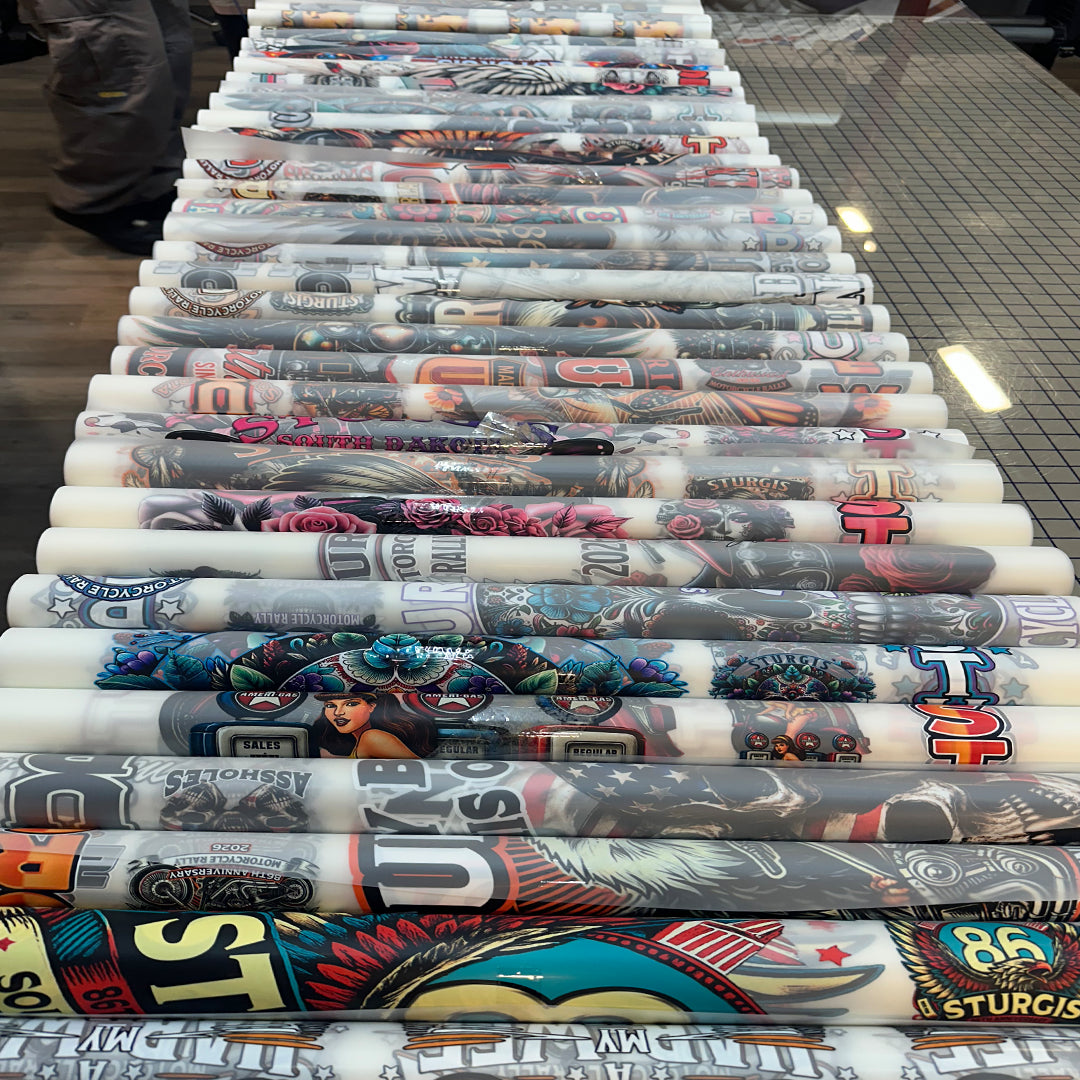
DTF gang sheet showing multiple apparel designs

See a full gang sheet before trimming

Gang sheets will come in a roll and require the individual prints to be manually cut out before pressing.

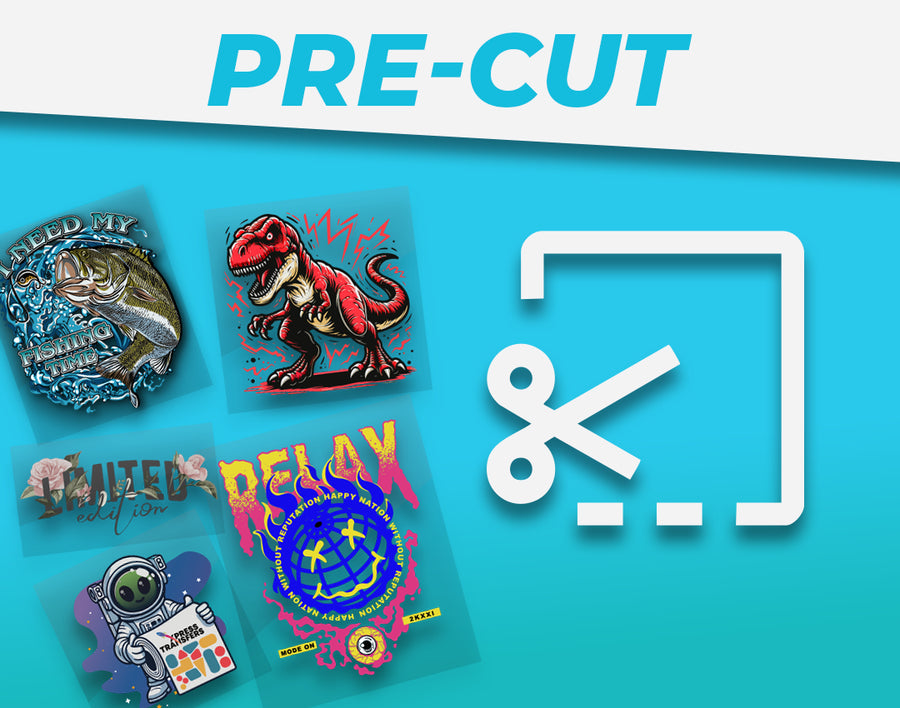
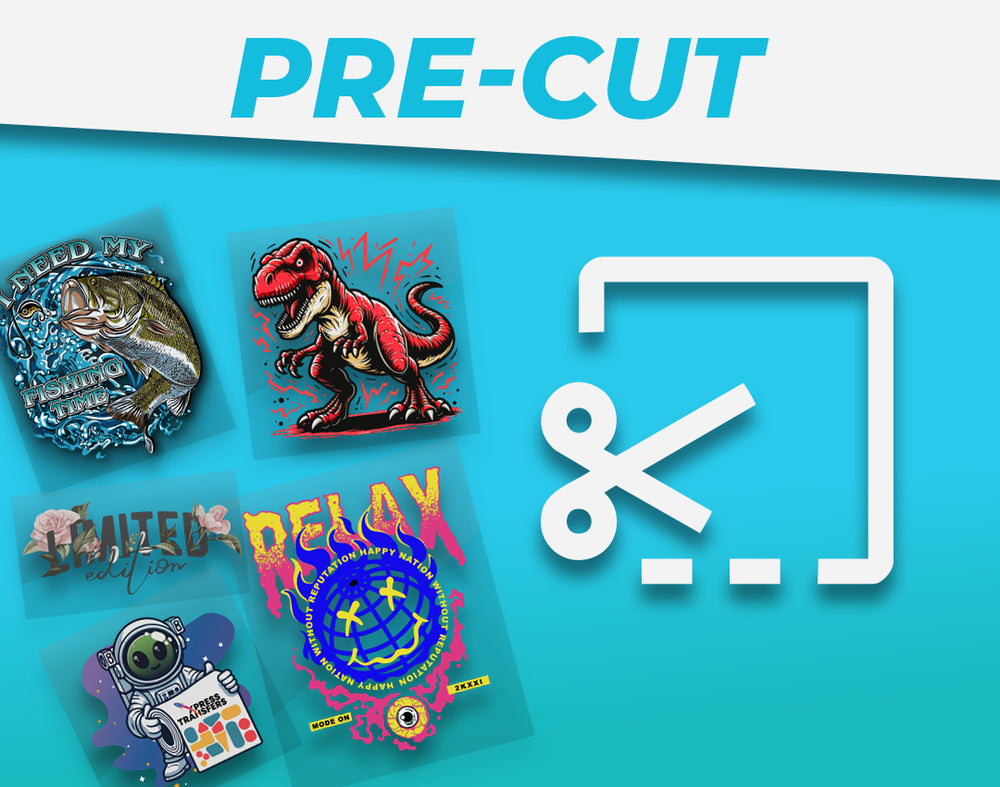
Pre-cut DTF transfers ready for apparel application

See individual transfers ready to press

Pre-cut transfers come already cut to the selected size, making the process as straight forward as possible to get pressing.

Artwork preparation

Send print-ready artwork, not a screenshot

The printer reproduces the file you provide. Clean source art is the difference between crisp edges and a transfer that exposes every compression artifact, accidental background, or undersized detail.

PNG with transparency is appropriate for most raster artwork. Vector formats can be useful when supported by the selected product workflow, but review fonts, clipping masks, strokes, and transparency before export. Do not mirror the file unless the specific ordering instructions request it; the production workflow handles the required orientation.

Build and upload customers should confirm the ordered sheet dimensions match the file dimensions. Keep every design inside the canvas. If you need trimming room, include it in the layout rather than placing artwork edge-to-edge. Review spelling, dates, numbers, and logo versions before checkout because production-ready orders can move quickly.

Resolution and transparency

Submit artwork at its intended print size with a transparent background. A 300 DPI raster file is the safest target. Enlarging a small web image does not create missing detail and may produce visibly soft or pixelated edges.

Opacity, edges, and fine lines

Remove stray pixels and semi-transparent background remnants. Check thin lines, tiny type, distressed texture, glows, and shadows at final size. Extremely fine or faint elements may not print or adhere as expected.

Color and white ink

DTF can print white and does not impose a color-count limit. Screen color still varies from printed color, so use consistent color values and order a production sample when exact brand matching is critical.

Good versus needs fixing

Spot artwork problems before they become printed problems

This side-by-side check gives first-time customers a faster answer than another paragraph. Replace either illustration with an approved real example or short video whenever one is available.

300 DPI · Transparent background · Final print size
Ready to print

Good file: crisp artwork at final size

Use a transparent PNG prepared near 300 DPI at the intended print dimensions. Edges are clean, small type is readable, and no unwanted background pixels remain.

Low resolution · White box · Compression artifacts
Needs fixing

Problem file: screenshot or enlarged web logo

Small screenshots, compressed images, white boxes, and blurred edges become visible in the finished transfer. Re-export from the original artwork before ordering.

Pressing and care

Control the press, then protect the finished garment

A quality transfer still needs a correct application. Treat the included product directions as the source of truth and test when the garment, press, or production environment changes.

Moisture can interfere with adhesion, especially in cotton and humid environments. A short pre-press flattens the area and helps drive off moisture. Place the transfer deliberately, cover as instructed, and keep the garment still through the peel. The finishing press helps seat the transfer and can adjust surface feel when the recommended cover sheet is used.

Versatile application

Our transfers can be applied with as little as a heat iron and manual pressure. Using more specialized equipment will provide a more reliable and consistence product through even heat and pressure every time.

Instant Hot Peel

Our transfers are designed for instant hot peel. You can peel the film mere miliseconds after releasing the press, making a large order go by much faster.

Care for 70+ wash durability

When applied and cared for as directed, DTF transfers are designed to last 70+ washes. Wash the garment inside out in cool water, use mild detergent, avoid bleach and fabric softener, and tumble low or hang dry.

Pricing and turnaround

Live product pricing, plus a predictable production timeline

Starting prices come directly from the linked products above; no price is copied into this guide. Your final cost depends on sheet size, design dimensions, quantity, and the ordering path you choose.

Gang sheets usually provide the best value when you can fill the available area with multiple graphics. Pre-cut transfers trade some layout control for simpler sorting and faster pressing. Uploading a finished sheet is efficient when your team already has a reliable layout workflow. Compare the total job—not only the sheet price—including preparation, trimming, sorting, spoilage, and operator time.

Same-day service depends on receiving a complete, production-ready order by the cutoff. Artwork revisions or missing information can delay the job. Shipping transit time begins after production and depends on the service selected at checkout.

Order by 4 PM ETComplete production-ready orders qualify for same-day production and shipping.
Produced the same dayYour selected DTF product and artwork move through the appropriate print workflow.
Pickup after 5 PM ETOn-time local pickup is guaranteed for qualifying orders.
Shipping valueFree standard shipping over $100; free two-day shipping at $200 or more.

Compare your options

DTF vs screen printing and heat-transfer vinyl

No single decoration method wins every job. Choose based on fabric, quantity, artwork, production labor, desired feel, and how frequently the design will change.

Decision factorDTF transfersScreen printingHeat-transfer vinyl
Best material rangeCotton, polyester, blends, light and dark apparelMostly economical apparel runs with stable artCompatible apparel, often simpler one-color graphics
Color and detailFull color, gradients, white ink, fine detailExcellent spot color; each color normally adds setupLimited by available film colors and layering
Small mixed quantitiesStrong fitLess efficient when screens and art change oftenPractical for simple designs
Hand feelSoft to moderate depending on ink coverageVaries by ink system and coverageCan feel thicker, especially when layered
At-home production stepHeat press requiredUsually printed directly by the decoratorCut, weed, position, and heat press
Best reason to choose itVersatility and full-color short-run efficiencyRepeat volume and established screen-print lookSimple names, numbers, and low-color graphics

For white or light polyester, sublimation may provide the lightest hand because the dye becomes part of the fiber. For glass, tumblers, acrylic, and other hard nonporous surfaces, use the UV DTF hub instead.

Real products, real production paths

See the DTF formats customers order

These images come from the live products, while reviews are reused only from the store’s approved campaign content. Product imagery updates automatically when the featured image changes.

DTF questions, answered

Frequently asked questions about custom DTF transfers

Review the live product instructions before production because specifications can change as materials and workflows improve.

What file type should I upload for DTF?

A high-resolution PNG with a transparent background is the safest choice for most orders. Prepare it at the intended print size, preferably 300 DPI, and check the specific product uploader for any additional accepted formats.

Do I need to mirror my artwork?

No. Upload artwork in its normal reading orientation unless the selected product’s current instructions explicitly say otherwise.

Can I mix designs on one gang sheet?

Yes. You can combine different designs, sizes, and quantities as long as every item fits inside the ordered canvas and follows the builder’s spacing requirements.

Will DTF work on black shirts?

Yes. DTF uses an opaque white underbase, allowing colors and white artwork to remain visible on dark garments.

What fabrics can I press?

Cotton, polyester, and many blends are common choices. Test coated, waterproof, nylon, heat-sensitive, or dye-migrating fabrics before a full production run.

How long do DTF transfers last?

When applied with the correct press conditions and cared for as directed, DTF transfers are designed for 70+ washes.

Can I use a household iron?

A heat press is strongly recommended because DTF needs controlled, even heat and pressure. An iron normally cannot provide repeatable production conditions.

What is the difference between build, upload, and pre-cut?

Build lets you arrange individual artwork online. Upload accepts one complete print-ready sheet. Pre-cut supplies separate transfers that do not need trimming before pressing.

Do you offer same-day production?

Production-ready orders placed by 4 PM ET qualify for same-day production and shipping. On-time local pickup is guaranteed after 5 PM ET for qualifying orders.

When is shipping free?

Standard shipping is free on orders over $100. Two-day shipping is free at $200 or more.